Tim Addons

Explore powerful tools built to extend WordPress, automate workflows, and simplify everyday website management.

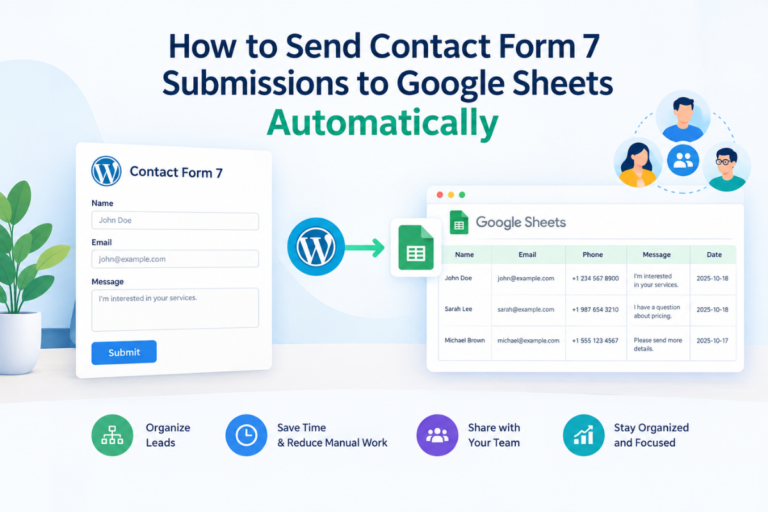
How to Send Contact Form 7 Submissions to Google Sheets Automatically

How to Send Contact Form 7 Submissions to Google Sheets Automatically

If your website gets a steady stream of inquiries, copying details from email notifications into a spreadsheet gets tedious fast. It also invites mistakes: a skipped row, a mistyped phone number, a lead that sits unnoticed in someone’s inbox. The fix is to connect Contact Form 7 to Google Sheets so each submission lands in […]

Why You Should Store Contact Form 7 Submissions in WordPress

Why You Should Store Contact Form 7 Submissions in WordPress

A visitor fills out your contact form and hits send. They see the green “thank you” message. Your site fires off an email notification, and everyone assumes the inquiry is now safely on record. Then a week later, a customer writes, “I sent you a message and never heard back.” You check the inbox. Nothing. […]

How to Export Contact Form 7 Submissions in WordPress

How to Export Contact Form 7 Submissions in WordPress

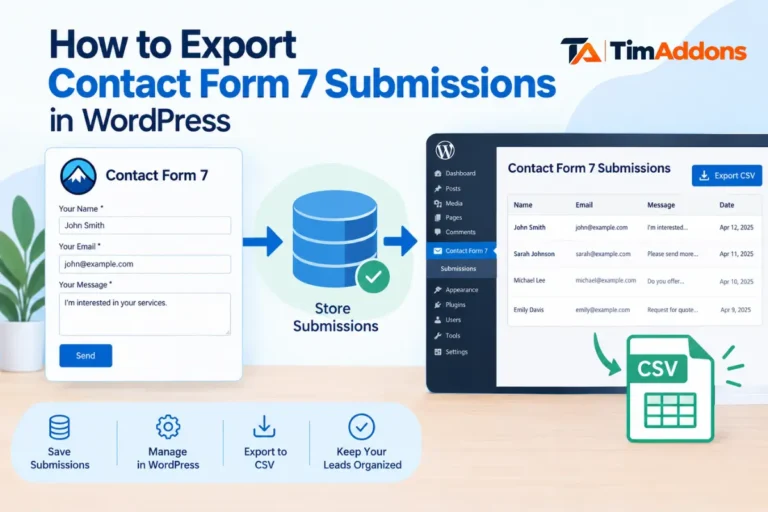
Website owners often need to export Contact Form 7 submissions for reporting, backups, lead management, or record-keeping. Contact Form 7 does not store form entries in the WordPress database by default, so exporting generally requires a compatible storage plugin (or another storage method) first. Once submissions are saved, many of these tools let you download […]

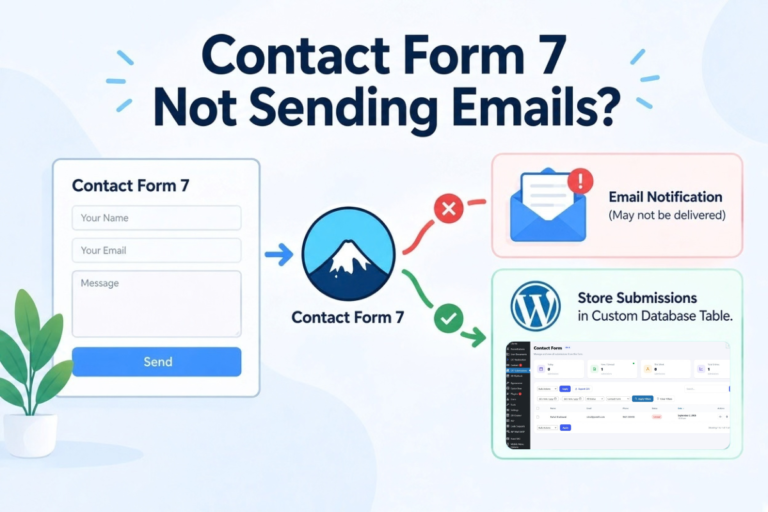
What to Do When Contact Form 7 Stops Sending Email Alerts?

What to Do When Contact Form 7 Stops Sending Email Alerts?

Is Contact Form 7 Receiving Submissions but Not Sending Emails? Why Contact Form 7 Email Notifications May Stop Working Check the Contact Form 7 Mail Settings Check Whether the Form Is Actually Submitting Check Your WordPress Email Configuration Use SMTP Instead of Relying on Default WordPress Mail Check Spam and Junk Folders What If the […]