TimAddons – Submission Log & Automation for Contact Form 7
Save, search, manage, and export Contact Form 7 submissions directly from your WordPress dashboard.
TimAddons automatically stores Contact Form 7 submissions in a dedicated database table, giving you a centralized and reliable way to manage form entries without relying only on email notifications.
What Is TimAddons?
Contact Form 7 sends form submissions through email, but submissions aren’t stored in the WordPress database by default.
TimAddons solves this by automatically capturing and storing submissions in a dedicated custom database table.
Key benefits
Getting Started
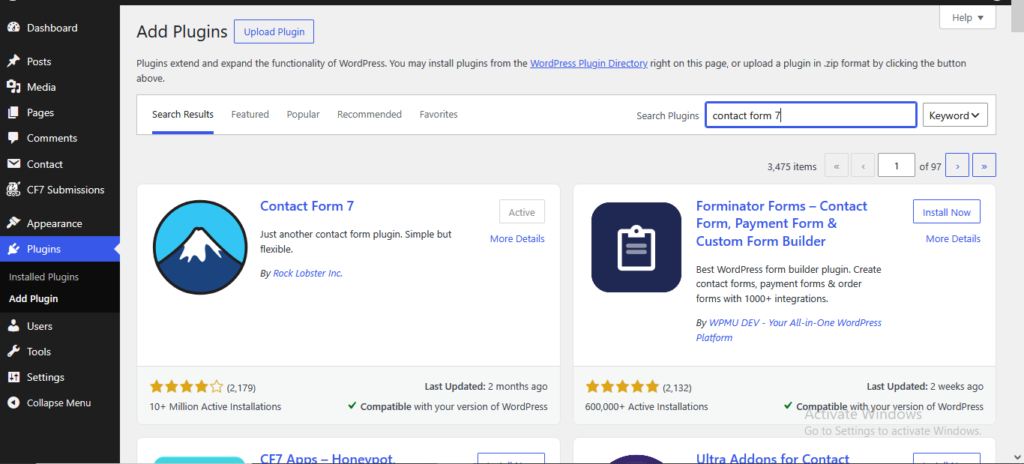
Step 1 — Install Contact Form 7
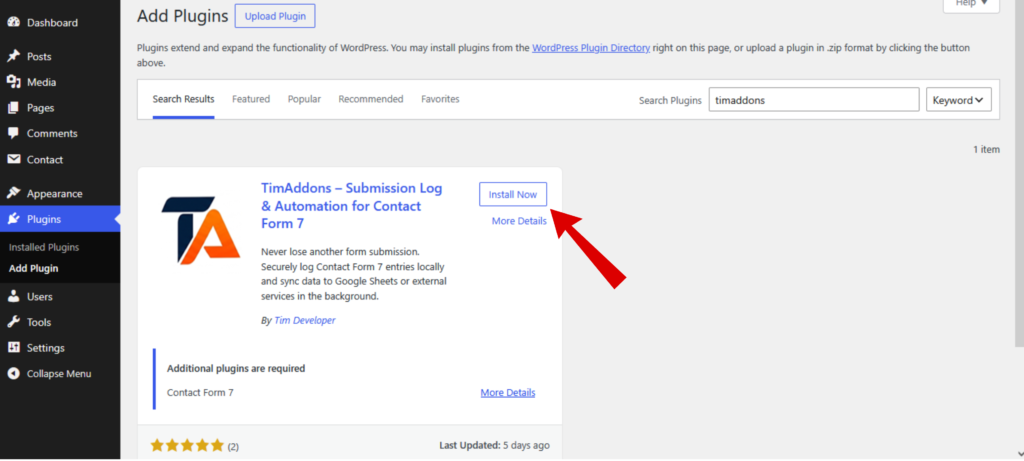
Step 2 — Install TimAddons
Step 3 — Submit a Contact Form 7 Form
After activation, submit your Contact Form 7 form normally. TimAddons automatically captures the submitted information and stores it in the database.
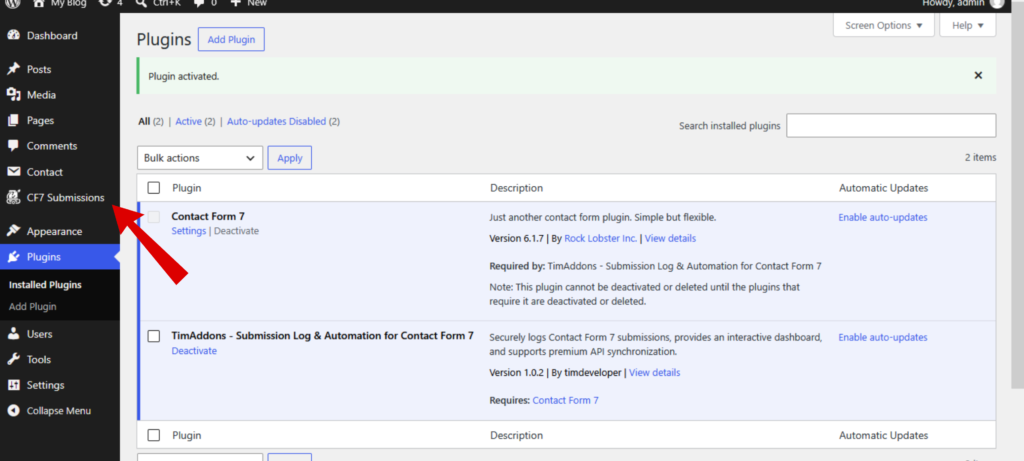
Step 4 — Open Submissions
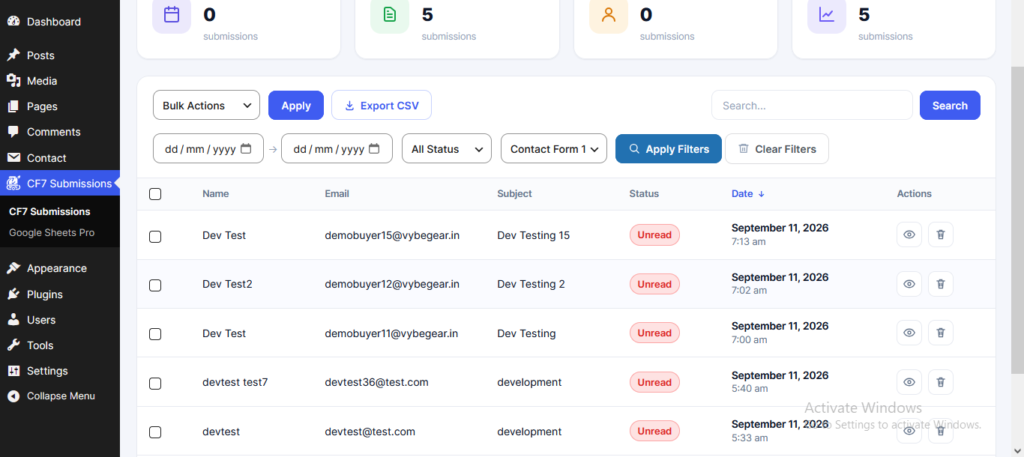
Navigate to the TimAddons submissions section in your WordPress dashboard.
Step 5 — Submissions Dashboard
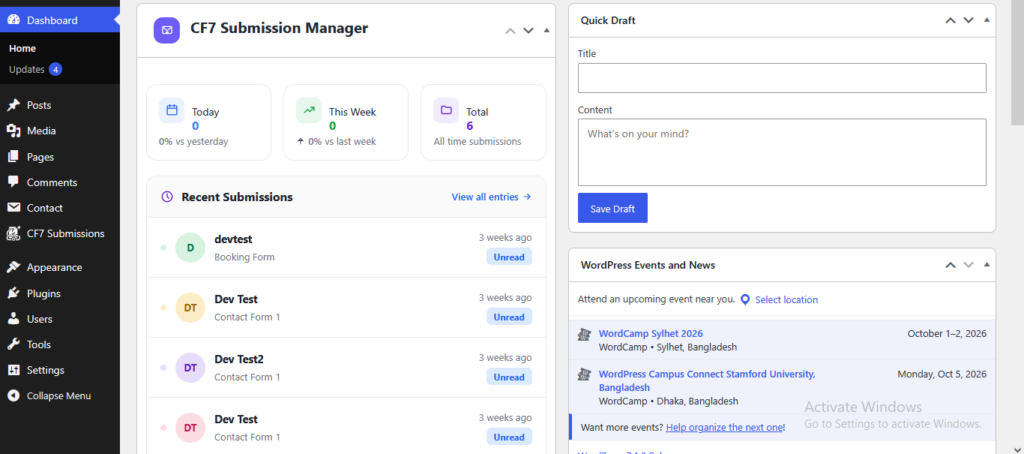
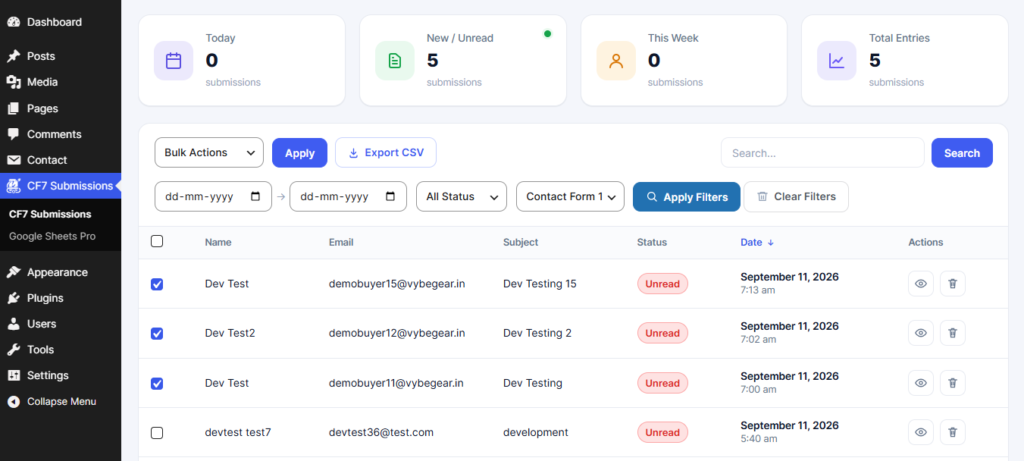
The dashboard provides a centralized interface for browsing and managing Contact Form 7 submissions.
Step 6 — Preview Submissions
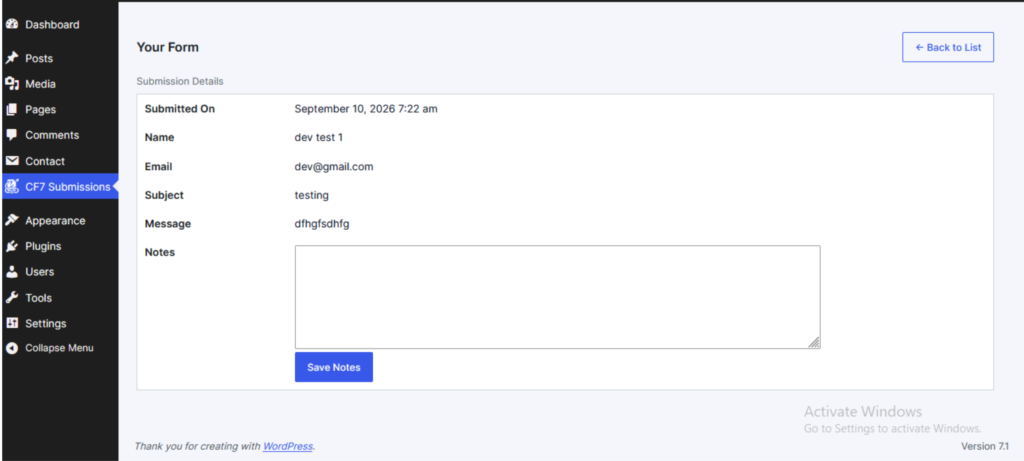
Explain that administrators can search submitted data directly from the submission interface.
Step 7 — Export Submissions
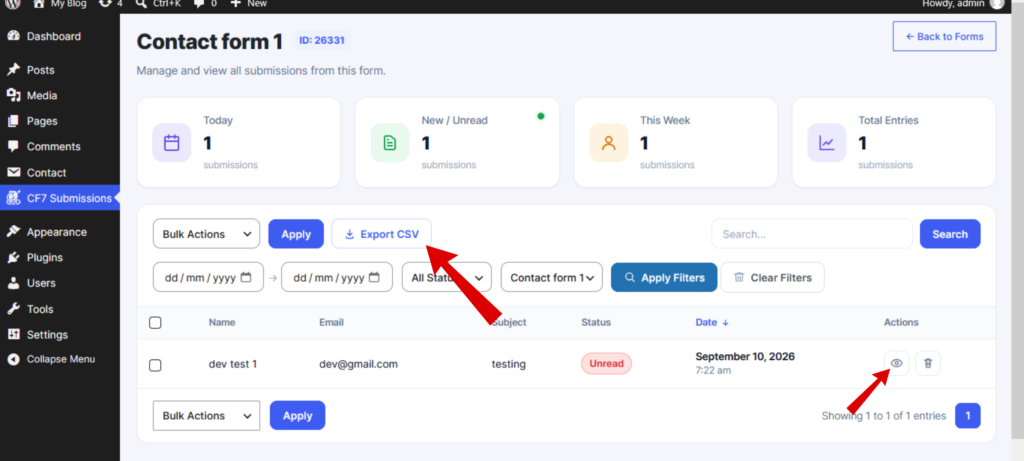
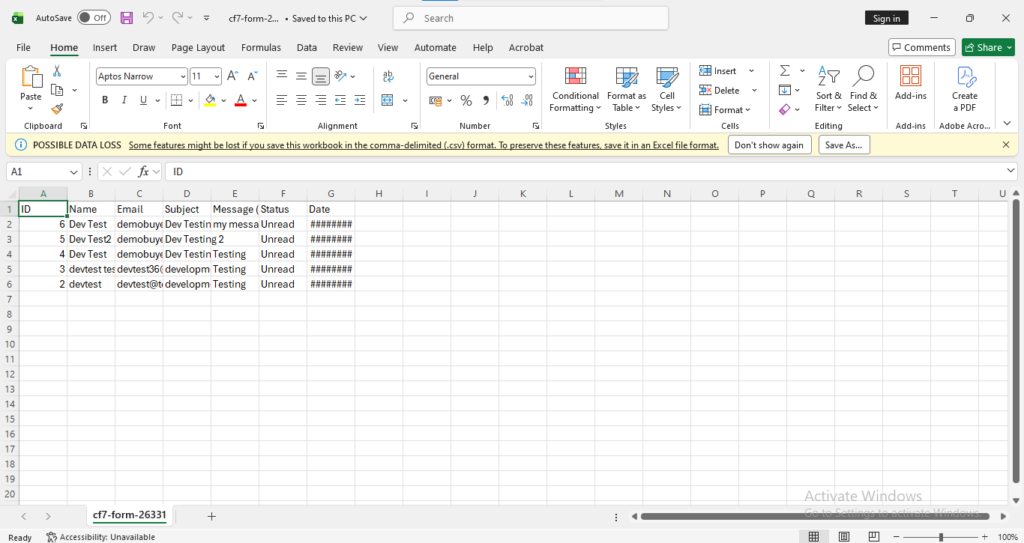
Administrators can select individual or multiple submissions and export the data for reporting, backup, or further processing.